
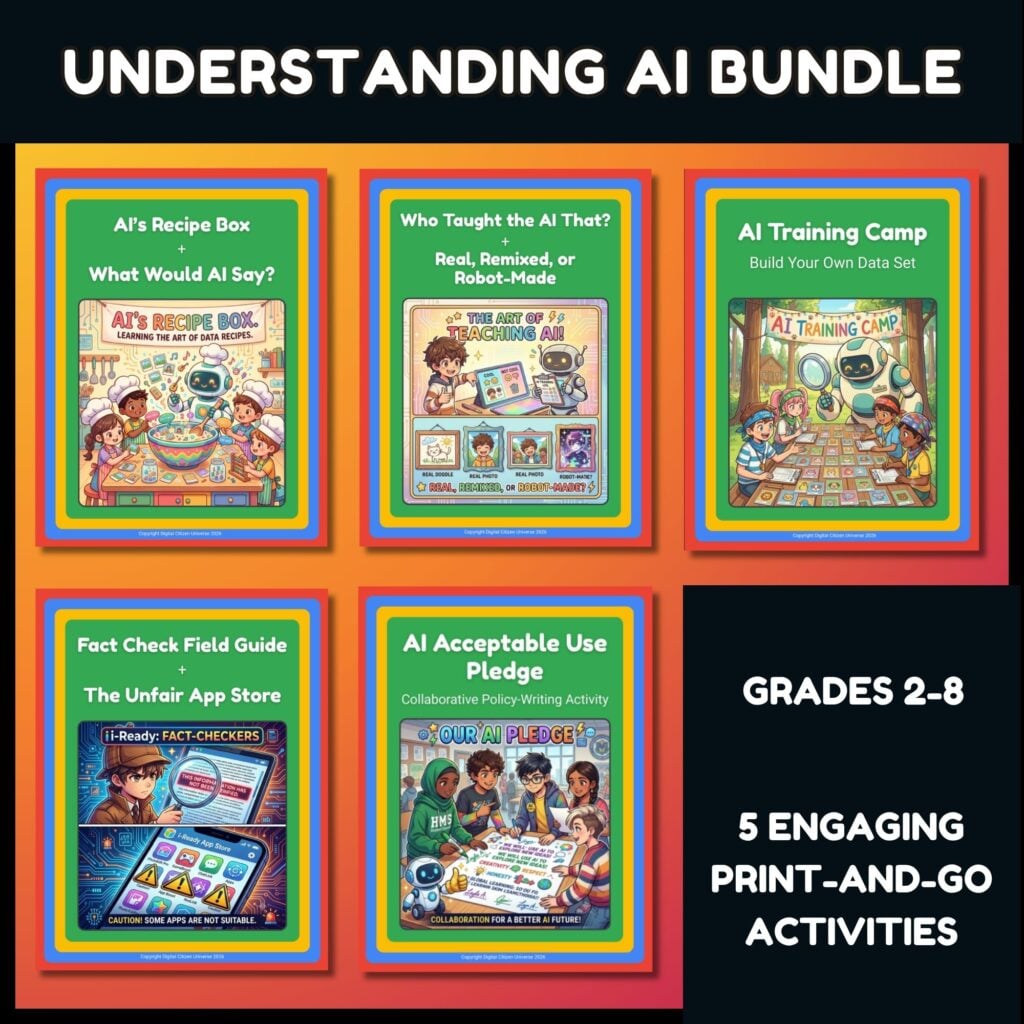
What's in This Bundle (5 resources)
This bundle includes 5 resources.
$10 bundle · $15 value · Save 33%
AI Tools
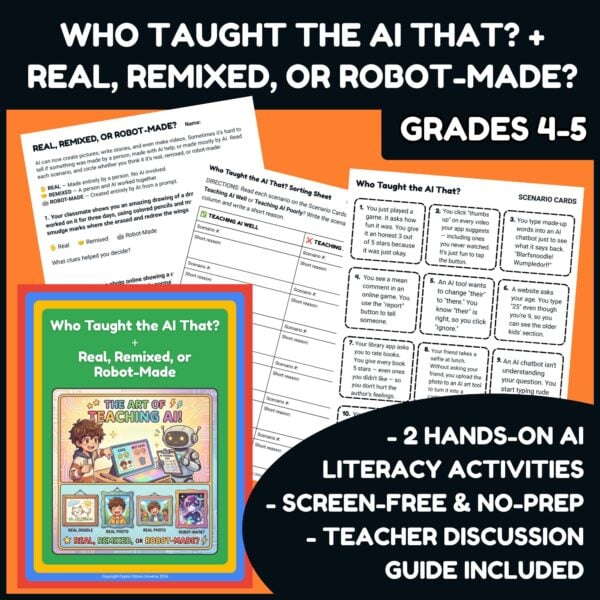
Who Taught the AI That? + Real, Remixed, or Robot-Made? • AI Literacy Activities for Grades 4-5
$3
AI Tools
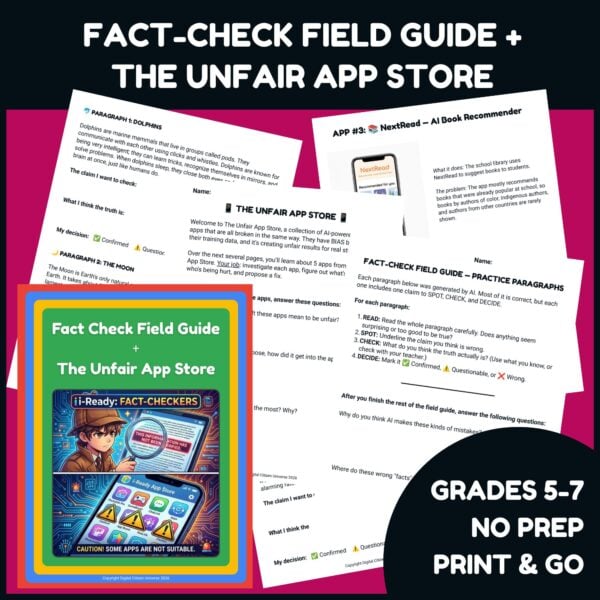
Fact-Check Field Guide + The Unfair App Store • AI Fact-Checking and Bias Activities, Grades 5-7
$3
AI Tools
AI Acceptable Use Pledge • Student-Written Class AI Rules Activity for Grades 6-8
$2 value
Subject · AI Tools
Google Be Internet Awesome AI Companion Bundle | AI Literacy Grades 2-8
$10
 Five screen-free AI literacy activities for grades 2-8, $10 instead of $15 when bought separately.
Each activity is aimed at a specific age, so you can pick the one that fits your kids or teach them in order as they grow. Students sort AI's "ingredients," train a pretend AI on animal cards, spot AI-made content, fact-check AI output, investigate unfair apps, and write their own class AI rules.
 What's in the bundle
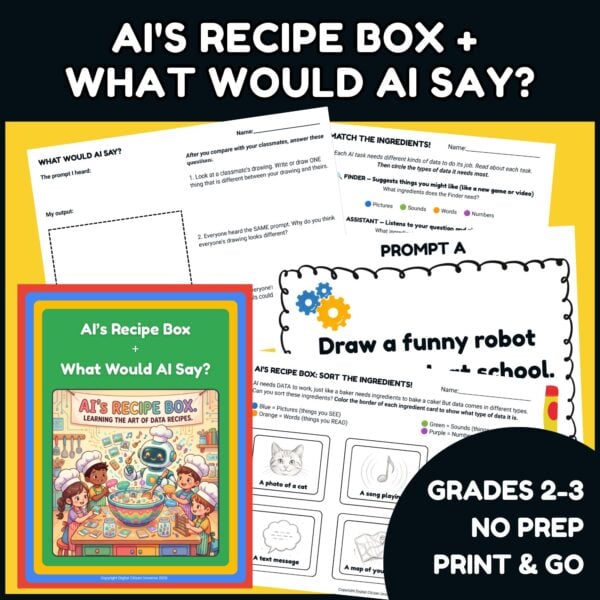
 AI's Recipe Box + What Would AI Say?: sort data into AI's ingredients, then draw from the same prompt and compare (grades 2-3)
 Who Taught the AI That? + Real, Remixed, or Robot-Made?: how everyday clicks teach AI, and how to tell who made something (grades 4-5)
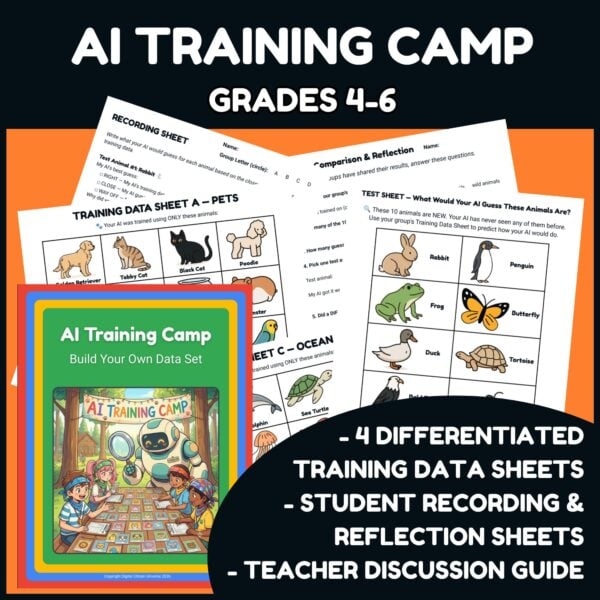
 AI Training Camp: Build Your Own Data Set: four groups train an AI on different animal cards and find its blind spots (grades 4-6)
 Fact-Check Field Guide + The Unfair App Store: catch false claims in AI-style paragraphs, then investigate five biased school apps (grades 5-7)
 AI Acceptable Use Pledge: students write, vote on, and sign their own class AI rules (grades 6-8)
Every activity has a one-page Activity Guide with notes for classrooms and for home, plus an answer key or facilitation guide. Each one takes 25 to 50 minutes, and everything is done on paper.
 Use them on their own or as companions
You don't need any other curriculum. If you teach Google Be Internet Awesome: Understanding AI, the activities give students hands-on practice with Lessons 1, 2, and 3.
 Standards Connections
Connects to CSTA E1-ALG-ML-02, E2-ALG-ML-02, E2-DAT-DC-08, E4-ALG-ML-02, E4-DAT-IM-11, E5-DAT-IM-11, MS-ALG-IM-10, MS-ALG-ML-06, MS-ALG-ML-07, MS-DAT-IM-28, MS-DAT-IM-29, MS-SOC-ET-40, and MS-SOC-HU-43 (2026), covering how AI learns from data, bias, data privacy, and choices about using AI. AI is new to the 2026 standards. The closest 2017 codes are CSTA 1A-DA-05, 1B-DA-07, 1B-IC-19, 1B-IC-21, 2-DA-09, 2-IC-20, 2-IC-21, and 2-IC-23. Also connects to ISTE 1.1 (Empowered Learner), 1.2 (Digital Citizen), and 1.3 (Knowledge Constructor). Each file lists its own connections.
This resource is not affiliated with, endorsed by, or sponsored by Google. Be Internet Awesome is a program of Google (https://beinternetawesome.withgoogle.com).
 Join the Digital Citizen Universe
Want help teaching your kids and students to be thoughtful digital citizens? Join my email list with the form in the sidebar, and you'll be the first to hear about new resources. Questions? Email hello@digitalcitizenuniverse.com.
Format
PDF
✓ Five activities for $10 instead of $15
✓ Each one aimed at a specific grade range, 2 through 8
✓ Covers data, prompts, training, bias, fact-checking, and AI rules
✓ Each file has its own one-page Activity Guide
✓ Answer keys or facilitation guides for every activity
✓ Home notes for families in every file
✓ AI's Recipe Box + What Would AI Say? (grades 2-3)
✓ Who Taught the AI That? + Real, Remixed, or Robot-Made? (grades 4-5)
✓ AI Training Camp: Build Your Own Data Set (grades 4-6)
✓ Fact-Check Field Guide + The Unfair App Store (grades 5-7)
✓ AI Acceptable Use Pledge (grades 6-8)
✓ No devices or internet needed
My students and I both enjoyed Be Internet Awesome. (My students especially loved the Interland game.) The big ideas behind it work at any grade, so I wanted screen-free activities aimed at specific ages, from second graders sorting AI's "ingredients" to eighth graders writing their own AI rules. AI in classrooms is new, and so is AI in the CSTA standards, so I made a variety of activities that teachers and families can pick from and have fun with.
Which activity should I start with?
The files are numbered 1 to 5 by grade. Start with the one that matches your students' grade. Each activity works on its own.
How much class time does the bundle take?
About two and a half to three and a half hours total. Each activity takes 25 to 50 minutes.
Do students need devices or AI accounts?
No. Everything is printable and done on paper.
Does this work for homeschool families?
Yes. Every Activity Guide has an AT HOME section, and the grade ranges make it easy to give siblings different activities.
Questions
Questions about this resource
Wondering if this is the right fit before you buy? See what other shoppers asked, or ask Elizabeth your own. You don’t need to have bought anything.
Sign in to ask a question
Sign in so Elizabeth’s answer can reach you. You don’t need to have bought anything from Digital Citizen Universe.
What Teachers Are Saying
No reviews yet — be the first to leave one.
Stay in the Loop
Join the Digital Citizen Universe Email List
More from this Store
Shop Now →
Live Well · Teach Well
Shop TeacherStore Goods