
You May Also Like
Suggested Resources by Digital Citizen Universe
Subject · AI Tools
AI's Recipe Box + What Would AI Say? • AI Data and Prompt Activities for Grades 2-3
$3
Also in a bundle
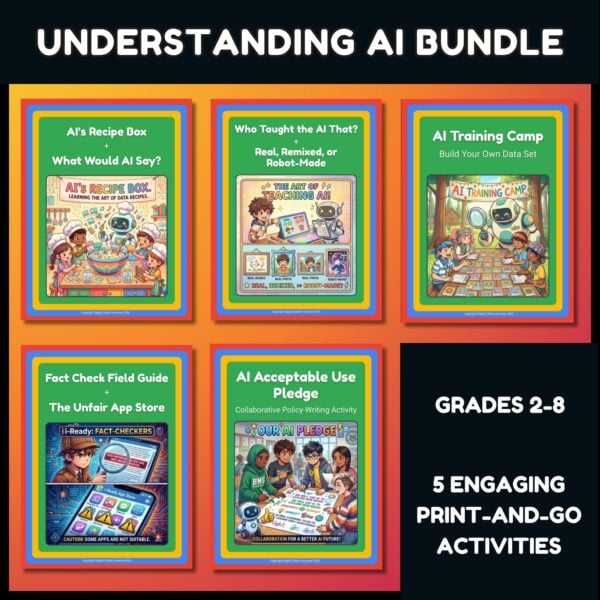
Google Be Internet Awesome AI Companion Bundle | AI Literacy Grades 2-8
· 5 resources · save 33% →
 What does AI need to work, and how does it know what to make?
This set has two short, screen-free activities for grades 2-3, one for each of those big ideas.
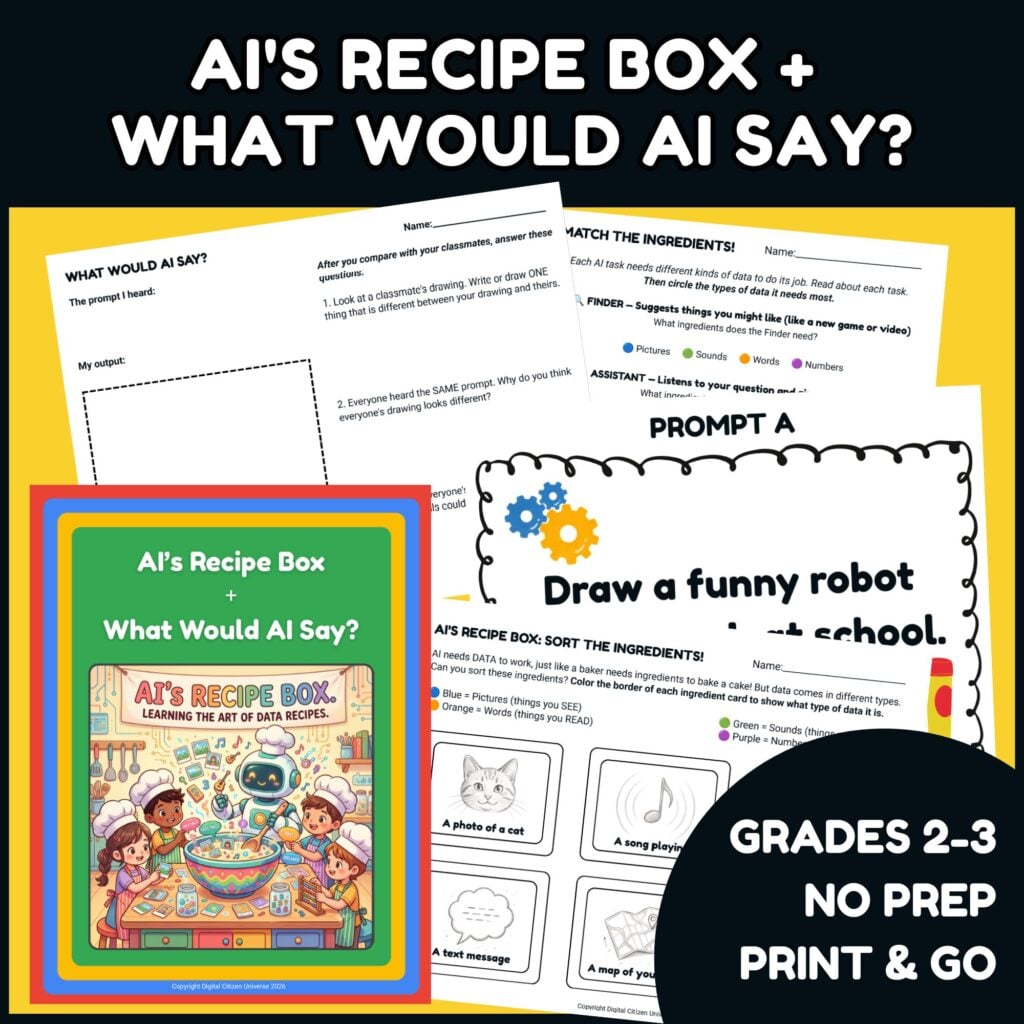
 AI's Recipe Box: data is AI's ingredients. Students color-code 12 "ingredient cards" (a photo of a cat, a song playing, today's temperature, a text message, and more) as Pictures, Sounds, Words, or Numbers. Then they decide which ingredients five AI tasks need: Finder, Assistant, Personalizer, Maker, and Organizer. (10 to 15 minutes)
 What Would AI Say?: a prompt tells AI what to make. Everyone hears the same prompt, like "Draw a funny robot eating lunch at school," and draws their own output. Then students compare and talk about why the same words led to different drawings, and what that means for AI tools. (15 to 20 minutes)
Use them together in one class period or on separate days. Everything is on paper, and the Activity Guide includes notes for doing both at home with one child.
 Use it on its own or as a companion
You don't need any other curriculum to use these activities. If you teach Google Be Internet Awesome: Understanding AI, they give students hands-on practice with Lesson 1, "What is AI?", and its sections on data as AI's secret ingredients and on prompts.
 Part of the Be Internet Awesome AI Companion Bundle
This is one of five AI literacy activities for grades 2-8 in my Be Internet Awesome AI Companion Bundle. Get all five for $10 instead of $15.
 Standards Connections
Connects to CSTA E2-DAT-DC-08 (2026) and its closest 2017 code, 1A-DA-05: students sort information into numbers and other kinds of data (pictures, sounds, and words).
Connects to CSTA E1-ALG-ML-02 and E2-ALG-ML-02 (2026): students see that AI uses data to make choices and create new things. AI is new to the 2026 standards, so there's no close 2017 code.
Also connects to ISTE 1.1d (Empowered Learner).
This resource is not affiliated with, endorsed by, or sponsored by Google. Be Internet Awesome is a program of Google (https://beinternetawesome.withgoogle.com).
 Join the Digital Citizen Universe
Want help teaching your kids and students to be thoughtful digital citizens? Join my email list with the form in the sidebar, and you'll be the first to hear about new resources. Questions? Email hello@digitalcitizenuniverse.com.
Format
PDF
✓ Two short activities on data and prompts
✓ Color-coding young students can do on their own
✓ Three prompt cards to choose from
✓ Answer key with likely picks and sample answers
✓ No AI tools or screens needed
✓ Home notes for doing both with one child
✓ 1-page Activity Guide with classroom and home notes
✓ 2-page Sort the Ingredients! with 12 ingredient cards
✓ Match the Ingredients! page with five AI tasks
✓ 2-page answer key
✓ 3 Prompt Cards and a My Output page
✓ Discussion Guide with common student questions
Do students use an AI tool?
No. Everything is on paper, so no devices or accounts are needed.
Do I need to teach Google Be Internet Awesome first?
No. The Activity Guide introduces data, prompts, and the five AI tasks, so the activities work on their own.
Does Match the Ingredients! have one right answer?
Not for every task. The answer key gives likely picks, and a student who can explain their choice is on the right track.
Can I use this at home?
Yes. AI's Recipe Box works one-on-one. For What Would AI Say?, draw the same prompt alongside your child and compare.
Questions
Questions about this resource
Wondering if this is the right fit before you buy? See what other shoppers asked, or ask Elizabeth your own. You don’t need to have bought anything.
Sign in to ask a question
Sign in so Elizabeth’s answer can reach you. You don’t need to have bought anything from Digital Citizen Universe.
What Teachers Are Saying
No reviews yet — be the first to leave one.
Stay in the Loop
Join the Digital Citizen Universe Email List
More from this Store
Shop Now →
Live Well · Teach Well
Shop TeacherStore Goods