
You Are Not Bad at Canva. You Just Never Had a Roadmap.
There is a moment a lot of teachers know well. You open Canva because you saw something beautiful another teacher made and you thought, I want to make something like that. You poke around for a few minutes, nothing makes sense, and then you close the tab and go back to whatever you were doing before.
It is not that Canva is bad. It is not even that it is especially hard. The problem is that most people come to Canva without anyone explaining how it actually works — not just where the tools are, but what the platform is trying to do and how it thinks.
That gap is exactly what Ready Set Canva was built to close.
Why I Built This Course
I have been using Canva for over 10 years. It clicked for me faster than it does for some people, partly because I liked how it looked and was motivated by what I saw other creatives making with it. But even I had to work through the confusion — figuring out how the platform was organized, learning what made the design tools different from the editing tools, and understanding how templates actually worked.
Once I had mapped all of that out for myself, I realized I could hand that map to someone else. And when I kept seeing teachers in my community who were frozen — who wanted to learn Canva but felt too overwhelmed to start — I knew exactly who I wanted to hand it to.
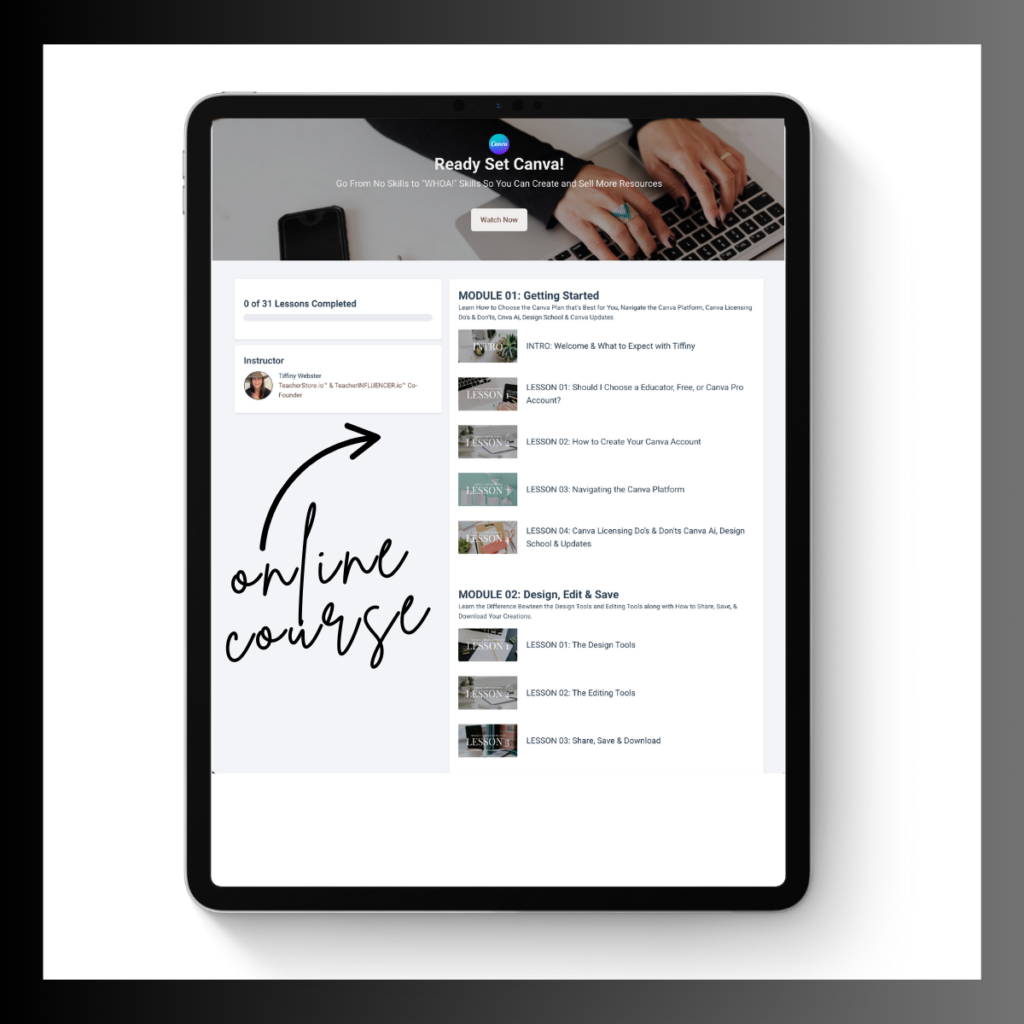
Ready Set Canva is a 31-lesson, self-paced course built entirely from a teacher’s point of view. No fluff. No detours into features you will never need. Just a clear, step-by-step path from beginner to confident.


The One Idea That Changes Everything
If I had to name the single thing that makes Canva finally make sense, it is this: Canva is a layering system.
You start with a background canvas. Then you layer shapes on top of it. Then you layer text on top of that. Everything you build in Canva — every resource, every template, every graphic — is just layers stacked on top of each other.
Once that idea lands, the whole platform shifts. Things that felt random start to feel logical. Tools that seemed confusing start to make sense. And the difference between the design tools and the editing tools — which trips up so many beginners — becomes completely clear.
I spend real time on this concept inside Ready Set Canva because it is the foundation everything else builds on.
Who This Course Is For
Ready Set Canva was made for teachers who have been wanting to learn Canva but keep putting it off because it feels like too much. It was also made for teachers who have used Canva a little but still feel like they are guessing rather than designing with intention.
If you are comfortable in PowerPoint and the idea of learning a whole new platform feels exhausting — this course was made for the specific version of tired you are feeling.
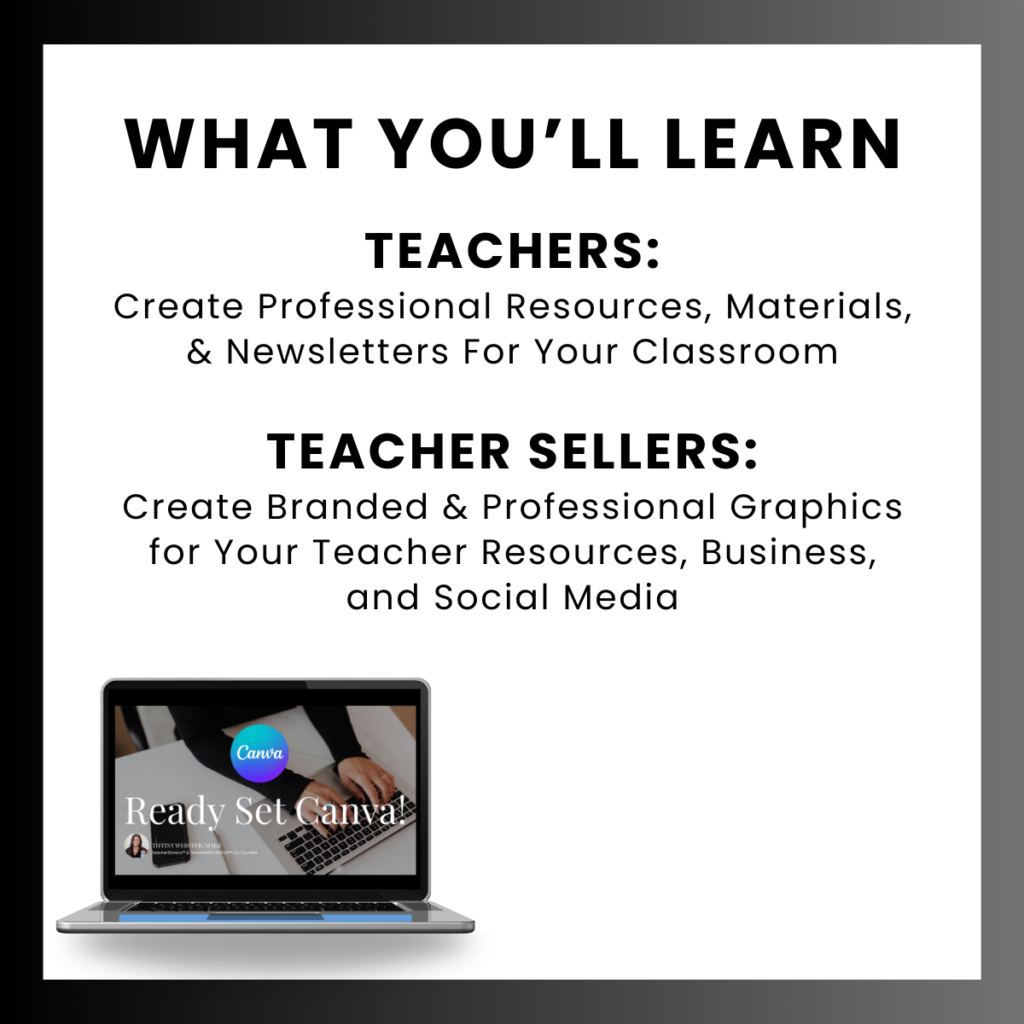
It works for teachers at any grade level, in any subject. And because it is self-paced, you can move through it on your lunch break, over a weekend, or one slow evening at a time.
What You Walk Away With
By the time you finish all 31 lessons, you will be able to open Canva and move through it with confidence. You will understand the platform layout, know the difference between the design and editing tools, and have a solid, working understanding of how layering works so you can build your own designs from scratch.
You will not just know where the buttons are. You will understand why the platform works the way it does — and that understanding changes everything about how fast and how well you can design.
If this sounds like the roadmap you have been looking for, get it here! https://teacherstore.io/product/online-course-ready-set-canva-for-teachers/
I will see you in lesson one.